
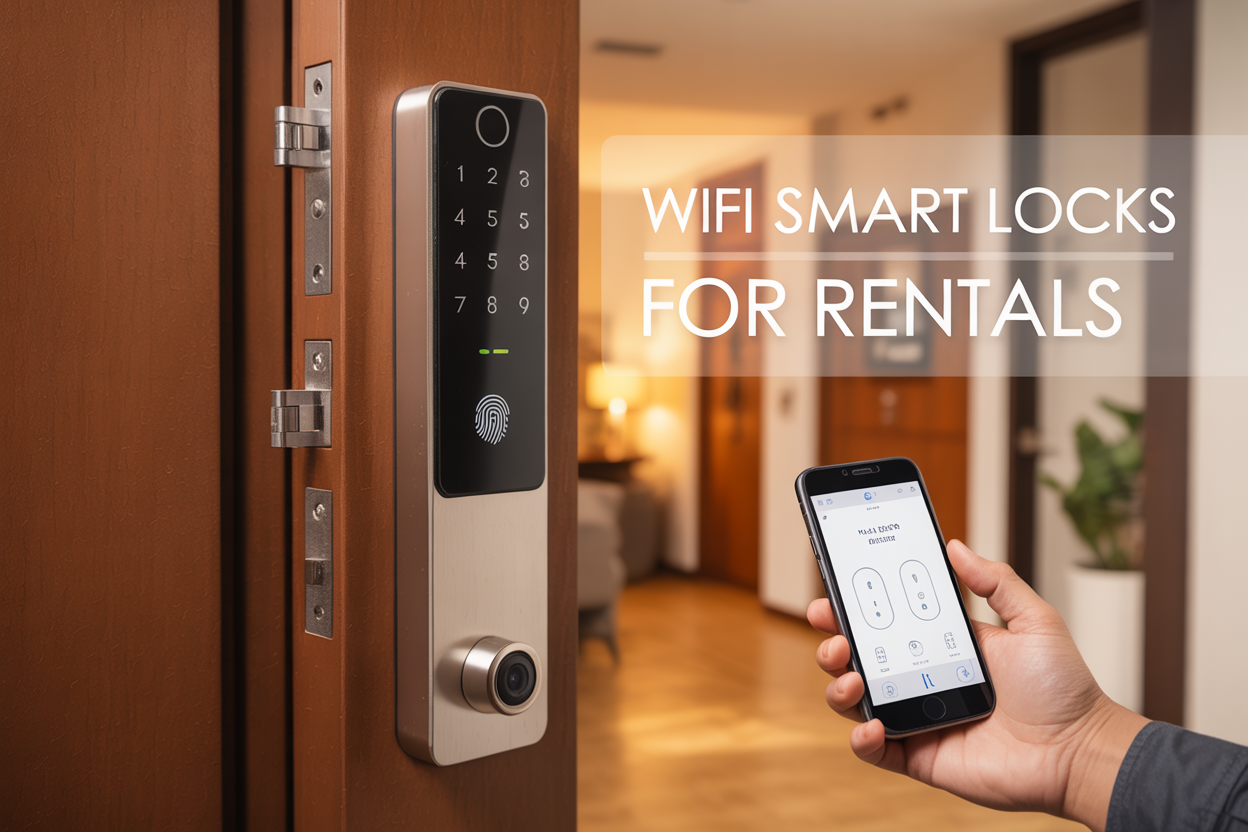
WiFi door locks are transforming how property owners manage their rental investments. These smart security systems let landlords control access remotely, eliminate the hassle of physical key exchanges, and provide detailed entry logs for better property oversight.
This guide is designed for rental property owners, Airbnb hosts, and property managers who want to streamline their operations while boosting security. We’ll walk you through the key benefits of upgrading to smart locks and help you identify the essential features that make these devices worth the investment. You’ll also discover our top-rated WiFi door lock models specifically chosen for rental properties, complete with real-world performance insights and pricing comparisons.
Essential Features to Look for in WiFi Smart Locks
Smartphone App Integration for Remote Control
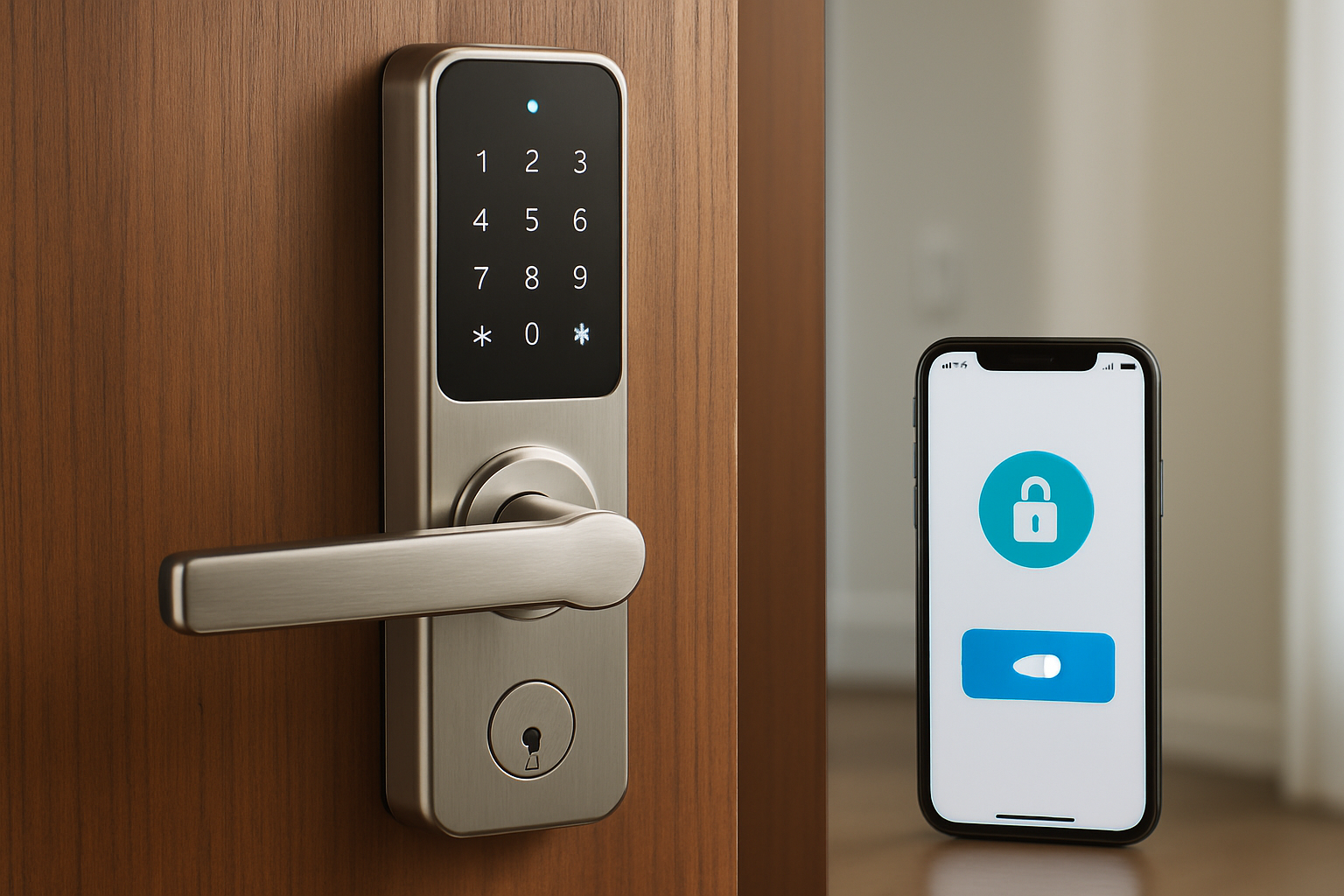
Smartphone app integration stands as the backbone of any reliable WiFi smart lock system for rental properties. The mobile app should offer intuitive controls that let property managers unlock and lock doors from anywhere with an internet connection. Look for apps that provide real-time notifications when guests arrive or leave, complete with timestamps and user identification.
The best apps include features like activity logs that track every lock interaction, making it easy to monitor property access patterns. Push notifications should alert you immediately when someone enters or exits, giving you peace of mind about your rental’s security. Some premium apps even offer geofencing capabilities that can automatically adjust lock settings based on your location.
Cross-platform compatibility ensures the app works seamlessly on both iOS and Android devices. Cloud synchronization keeps your access logs and settings backed up, preventing data loss if you switch phones. The interface should be clean and straightforward – rental property management is busy enough without wrestling with complicated lock controls.
Temporary Code Generation with Expiration Settings
Creating temporary access codes with automatic expiration dates transforms rental property management from a logistical nightmare into a streamlined operation. This feature allows you to generate unique PIN codes for each guest stay that automatically become invalid after checkout, eliminating the security risk of former guests retaining access.
Smart scheduling options let you set exact activation and deactivation times down to the minute. You can create codes that only work during specific hours, perfect for cleaning crews or maintenance staff who need access during business hours only. Some advanced systems allow multiple temporary codes with different permission levels – perhaps one code for guests and another for housekeeping services.
The ability to delete or modify codes remotely proves invaluable when plans change. If guests arrive early or extend their stay, you can adjust code validity periods without physically visiting the property. Look for systems that send confirmation messages when codes are created or deleted, keeping you informed about all access changes.
Battery Life and Low-Power Backup Options
Battery performance directly impacts your rental property’s reliability and maintenance costs. Premium WiFi smart locks typically run 8-12 months on standard AA batteries, though usage patterns and WiFi connectivity frequency affect longevity significantly. Look for locks with low-battery alerts that notify you weeks before complete power loss.
Backup power options provide essential redundancy when primary batteries fail. Some models include 9V emergency battery terminals on the exterior, allowing temporary power restoration using a standard battery. Others feature USB charging ports or even small solar panels for continuous power supplementation.
Power management features extend battery life substantially. Sleep modes reduce power consumption during inactive periods, while efficient WiFi protocols minimize energy drain during connectivity. Smart locks that offer both WiFi and Bluetooth connectivity can switch between protocols to optimize battery usage – Bluetooth for nearby operations and WiFi for remote access.
Consider locks with battery status monitoring through the smartphone app. Real-time power level displays help you schedule battery replacements during property turnovers rather than dealing with emergency lockouts when guests can’t access the property.
Top WiFi Door Lock Models for Rental Properties
August WiFi Smart Lock Pro for Easy Installation
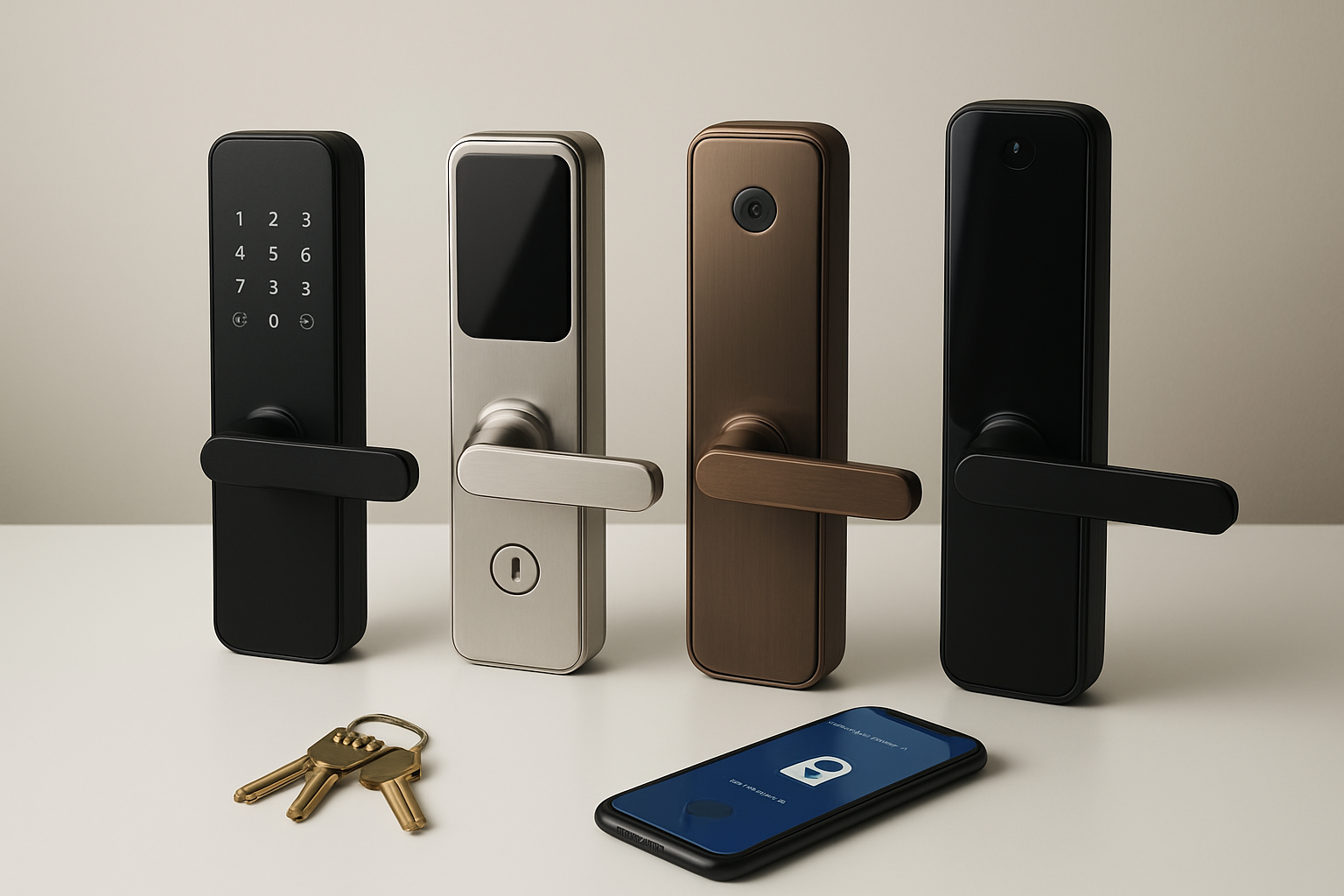
The August WiFi Smart Lock Pro stands out as the top choice for rental property owners who want professional-grade security without the headache of complex installation. This smart lock transforms your existing deadbolt into a connected entry system in under 15 minutes, making it perfect for landlords managing multiple properties.
What makes this lock exceptional for rentals is its ability to work with your current door hardware. You keep the same keys for personal access while gaining full digital control over guest entry. The built-in WiFi eliminates the need for additional hubs or bridges, reducing setup complexity and potential connection issues.
The August app provides real-time notifications whenever someone locks or unlocks the door, giving you complete visibility into property access. You can create temporary access codes for guests, cleaning services, or maintenance teams, with the ability to set specific time windows for each code. The auto-lock feature ensures your property stays secure even if guests forget to lock up.
Battery life extends up to 6 months with 4 AA batteries, and the lock sends low-battery alerts well in advance. The sleek design maintains your door’s aesthetic while providing enterprise-level security features that rental guests appreciate.
Yale Assure Lock SL for Keypad Convenience
Yale’s Assure Lock SL brings touchscreen elegance to rental properties with its backlit keypad that works flawlessly in all lighting conditions. This lock eliminates the need for physical keys entirely, making it ideal for short-term rentals where key management becomes a logistical nightmare.
The tamper-proof design withstands weather extremes and attempted break-ins, crucial for properties that sit empty between bookings. Guests appreciate the intuitive touchscreen interface that responds instantly to touch, even with gloves on during winter months.
Property managers love the ability to program up to 25 unique access codes, each assignable to specific time periods. You can create permanent codes for cleaning crews, temporary codes for weekend guests, or master codes for property managers. The lock automatically deletes expired codes, preventing unauthorized access from previous guests.
The one-touch locking feature lets guests secure the property with a single button press, while the privacy mode prevents all outside access when activated from inside. Battery life spans up to one year with 4 AA batteries, and the lock maintains all programmed codes even during battery changes.
Schlage Encode Smart WiFi Deadbolt for Durability
When rental properties face heavy use from rotating guests, the Schlage Encode Smart WiFi Deadbolt delivers commercial-grade durability that withstands constant operation. This lock features a Grade 1 security rating, the highest level available for residential locks, making it virtually pick-proof and bump-proof.
The built-in WiFi connectivity works seamlessly with most home networks, allowing remote access management from anywhere. Property owners can grant access to guests minutes before their arrival, monitor entry and exit times, and receive instant alerts for any security events.
The Encode’s fingerprint-resistant touchscreen maintains its appearance despite heavy use, important for maintaining professional property aesthetics. The alarm technology built into the lock detects forced entry attempts and triggers a 99-decibel alarm, deterring break-in attempts when properties are vacant.
Battery performance remains consistent for up to 6 months with regular use, and the lock provides 30-day advance warning before batteries need replacement. The emergency key override ensures access during power outages or technical issues, giving property managers peace of mind.
Kwikset Halo Smart Lock for Budget-Conscious Owners
The Kwikset Halo Smart Lock delivers essential smart lock functionality at a price point that makes sense for budget-conscious rental property owners. Despite its affordable price, this lock doesn’t compromise on security features that matter most for rental applications.
The traditional key override option provides backup access while the smart features handle day-to-day guest management. You can create up to 250 access codes through the companion app, more than enough for busy rental properties with frequent turnovers.
SmartKey technology allows you to rekey the lock yourself in seconds, eliminating locksmith costs when you need to change access between long-term tenants. This feature alone can save hundreds of dollars over the lock’s lifetime for active rental properties.
The lock’s SecureScreen technology prevents code detection through fingerprint analysis, a common concern with keypad locks in rental settings. The auto-lock feature activates after 30 seconds, ensuring your property stays secure even when guests are in a hurry.
Battery life extends beyond 12 months with normal use, and the low-battery indicator provides plenty of advance warning. The weather-resistant design handles extreme temperatures and moisture, making it suitable for properties in challenging climates.
Installation and Setup Process for Maximum Security
Professional Installation vs DIY Installation Considerations
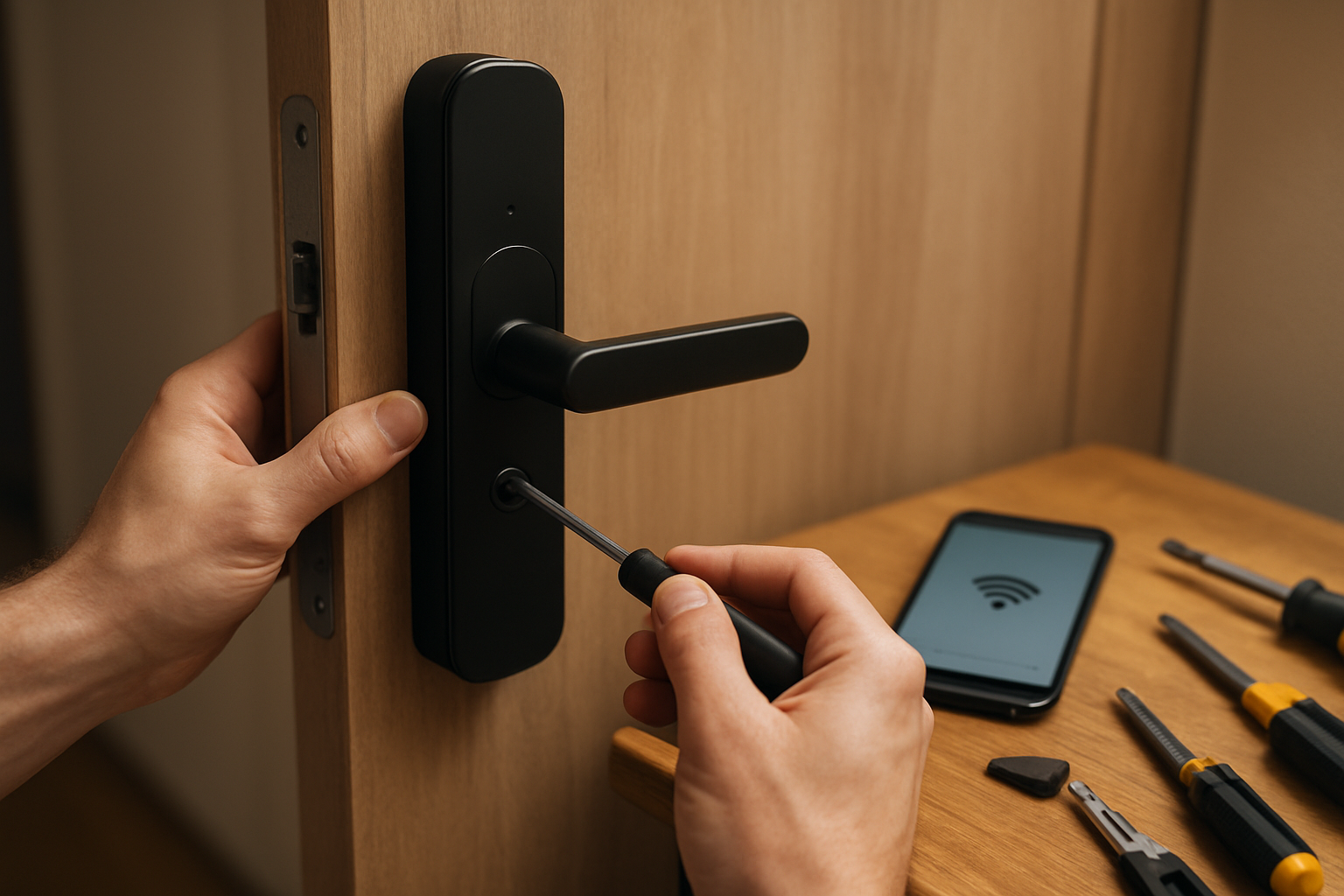
Most WiFi door locks come with detailed installation guides that make DIY setup possible for basic installations. Standard door preparations typically require a 2-1/8 inch hole for the lock body and a 1-inch hole for the deadbolt, which most doors already have from previous lock installations.
DIY installation works best when your door frame is in good condition and properly aligned. You’ll need basic tools like a screwdriver, drill bits, and a measuring tape. The process usually takes 30-60 minutes for someone comfortable with basic home improvement tasks.
However, professional installation becomes necessary in several scenarios. Older doors might need frame modifications or reinforcement to handle smart lock weight and mechanism requirements. Metal doors often require specialized drilling techniques and bits that most homeowners don’t possess. Multi-point locking systems also demand precise alignment that benefits from professional expertise.
For rental properties, consider the liability aspect. Professional installation typically includes warranty coverage for both the lock and installation work. This protection becomes valuable when dealing with tenant security concerns or potential malfunctions.
The cost difference ranges from $75-150 for professional installation versus doing it yourself. While DIY saves money upfront, improper installation can lead to security vulnerabilities, premature lock failure, or door damage that costs more to fix later.
Network Configuration and WiFi Connection Setup
WiFi connectivity forms the backbone of your smart lock’s remote management capabilities. Start by ensuring your router signal reaches the door location with adequate strength – typically requiring at least -70 dBm signal strength for reliable operation.
Most smart locks operate on 2.4GHz networks exclusively, so verify your router broadcasts this frequency. Dual-band routers often prioritize 5GHz connections, potentially causing connectivity issues if not configured properly. Create a dedicated 2.4GHz network name or disable band steering temporarily during setup.
Security protocols matter significantly for rental properties. Use WPA3 encryption when available, or WPA2 as a minimum standard. Avoid WEP encryption entirely, as it provides insufficient protection for smart home devices. Consider setting up a guest network specifically for IoT devices to isolate them from your main network traffic.
Network stability directly impacts lock performance. Frequent disconnections can leave tenants locked out or compromise security features. Position mesh network extenders strategically if signal strength proves inadequate at the door location.
During initial setup, place your smartphone close to the lock to ensure strong Bluetooth connectivity for the pairing process. Most locks require Bluetooth for initial configuration before transitioning to WiFi for ongoing operation. Document your network credentials securely, as you’ll need them for troubleshooting or device resets.
User Account Creation and Property Management Integration
Creating a centralized management system starts with establishing your primary administrator account through the lock manufacturer’s app. This account controls all access permissions, scheduling, and monitoring features across multiple properties if you manage several rentals.
Property management integration capabilities vary significantly between manufacturers. Some systems offer API connections with popular platforms like Airbnb, VRBO, or property management software. These integrations can automatically generate access codes for new bookings and revoke them after checkout, reducing manual oversight requirements.
Set up user hierarchies that match your operational needs. Administrator accounts should remain limited to property owners or managers, while operational staff might receive limited permissions for daily management tasks. Guest access typically uses temporary codes or app-based permissions with automatic expiration dates.
Documentation becomes critical for rental properties. Maintain detailed records of all user accounts, access permissions, and code assignments. This information proves essential for security audits, tenant disputes, or law enforcement requests.
Consider backup access methods during account setup. Hardware keys provide failsafe entry when digital systems malfunction, while backup codes ensure you can regain administrator access if primary credentials become compromised.
Multi-property management features allow centralized control when you own multiple rental units. Look for platforms that support bulk operations like simultaneous code updates or system-wide security policy changes across your entire portfolio.
Managing Guest Access and Enhancing Security
Creating Time-Limited Access Codes for Check-in Periods
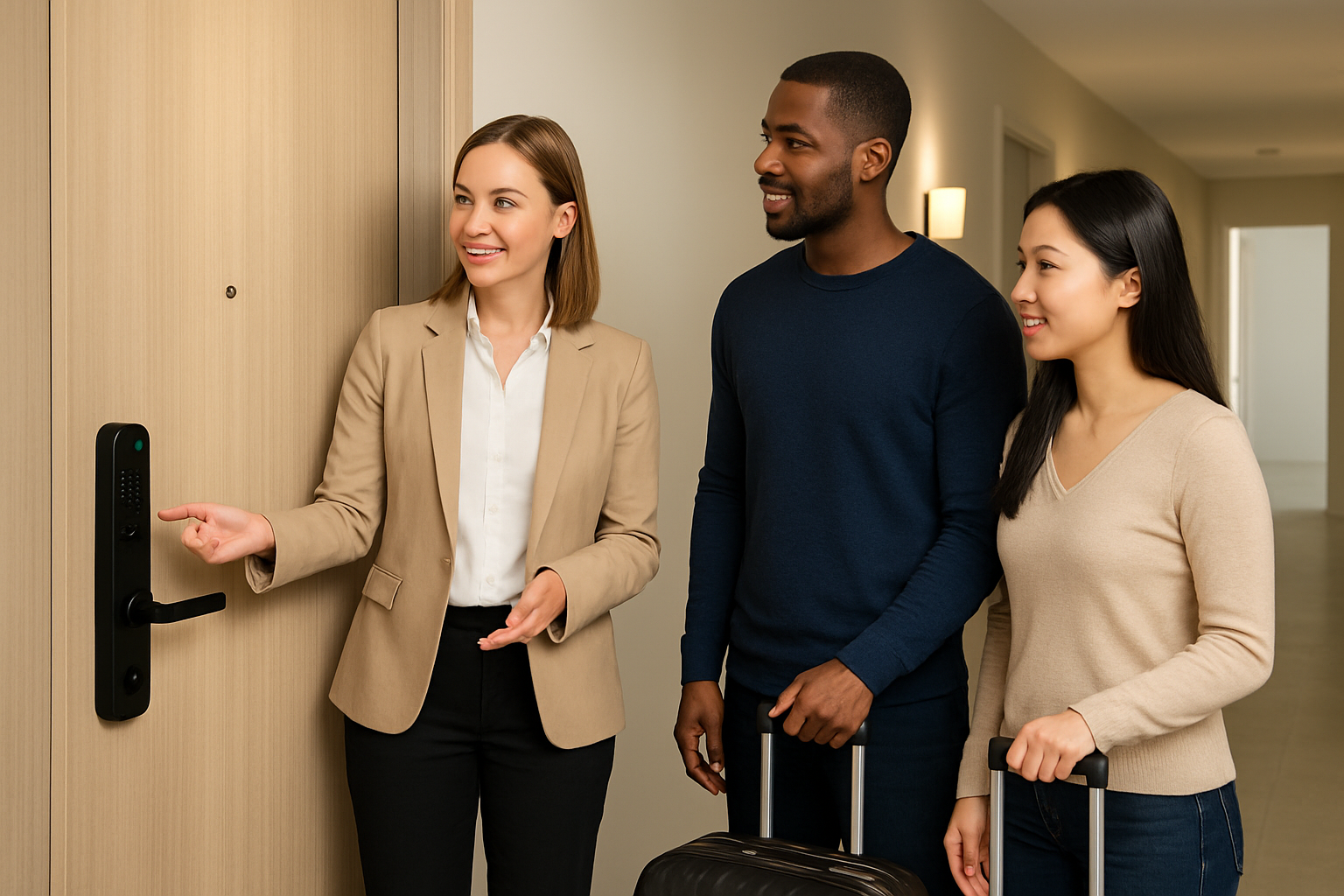
Time-limited access codes transform the rental experience by providing guests with seamless entry while maintaining complete control over property access. Most modern WiFi door locks allow property owners to generate unique codes that activate only during specified time windows, perfectly aligned with guest reservations.
When setting up these codes, create them to begin activation 30 minutes before the official check-in time and extend until 30 minutes after checkout. This buffer prevents guests from being locked out due to travel delays while ensuring access doesn’t linger unnecessarily. Smart locks typically offer both numeric PIN codes and temporary digital keys that can be sent directly to guests’ smartphones.
The code generation process varies by manufacturer, but most systems allow you to specify exact start and end times down to the minute. Some advanced models even permit recurring codes for regular guests or cleaning staff, automatically reactivating on scheduled days without manual intervention.
Sharing Access Credentials Securely with Guests
Security during credential sharing requires careful planning and the right communication channels. Never share access codes through unsecured channels like standard text messages or email attachments that could be intercepted or forwarded to unauthorized individuals.
Encrypted messaging platforms, dedicated rental management apps, or secure guest portals provide the safest methods for credential distribution. Many property management platforms integrate directly with smart lock systems, automatically generating and sharing codes through their secure channels.
When sharing credentials, include clear instructions about code activation times, backup contact information, and alternative entry methods if technical issues arise. Consider creating a simple instruction card that explains how to use the lock, including photos of the lock interface and step-by-step directions for common unlock methods.
For added security, require guests to confirm receipt of access credentials and test the code upon arrival. This confirmation process helps identify potential issues before they become locked-out situations.
Revoking Access Immediately After Guest Departure
Immediate access revocation protects your property and ensures guest privacy by preventing any chance of re-entry after checkout. Most WiFi smart locks allow instant remote deactivation through mobile apps, making this process quick and efficient.
Set up automatic code expiration whenever possible, but always verify that access has been successfully revoked. Some property managers create a departure checklist that includes manual access revocation as a standard step, ensuring no codes remain active inadvertently.
For properties with multiple access methods (PIN codes, RFID cards, mobile app access), remember to revoke all forms of entry, not just the primary method. Guest smartphones that were granted temporary access through mobile apps need specific attention since these permissions might not expire automatically.
Document all access revocations with timestamps in your property management system. This creates an audit trail that proves security protocols were followed and helps troubleshoot any future access-related concerns.
Setting Up Activity Logs for Property Monitoring
Activity logs serve as your property’s digital security guard, recording every lock interaction with detailed timestamps and access methods used. These logs help monitor property usage patterns, verify guest arrivals and departures, and identify any unusual access attempts.
Configure your smart lock system to capture comprehensive data including successful unlocks, failed attempts, battery status changes, and connectivity issues. Most systems store this information in cloud-based platforms accessible through mobile apps or web dashboards.
Review logs regularly, particularly focusing on access attempts outside expected timeframes or using expired credentials. Unusual patterns might indicate security concerns or technical problems requiring immediate attention.
Many WiFi door locks offer real-time notifications for specific events, such as multiple failed access attempts or successful entry outside scheduled times. Configure these alerts to match your monitoring preferences and response capabilities, ensuring you’re informed about important events without being overwhelmed by routine notifications.
Create a simple log review schedule, checking activity records weekly for short-term rentals or monthly for longer-term properties. This regular monitoring helps maintain security awareness and identifies trends that might inform future property management decisions.
Troubleshooting Common WiFi Lock Issues
Connectivity Problems and Network Reset Solutions
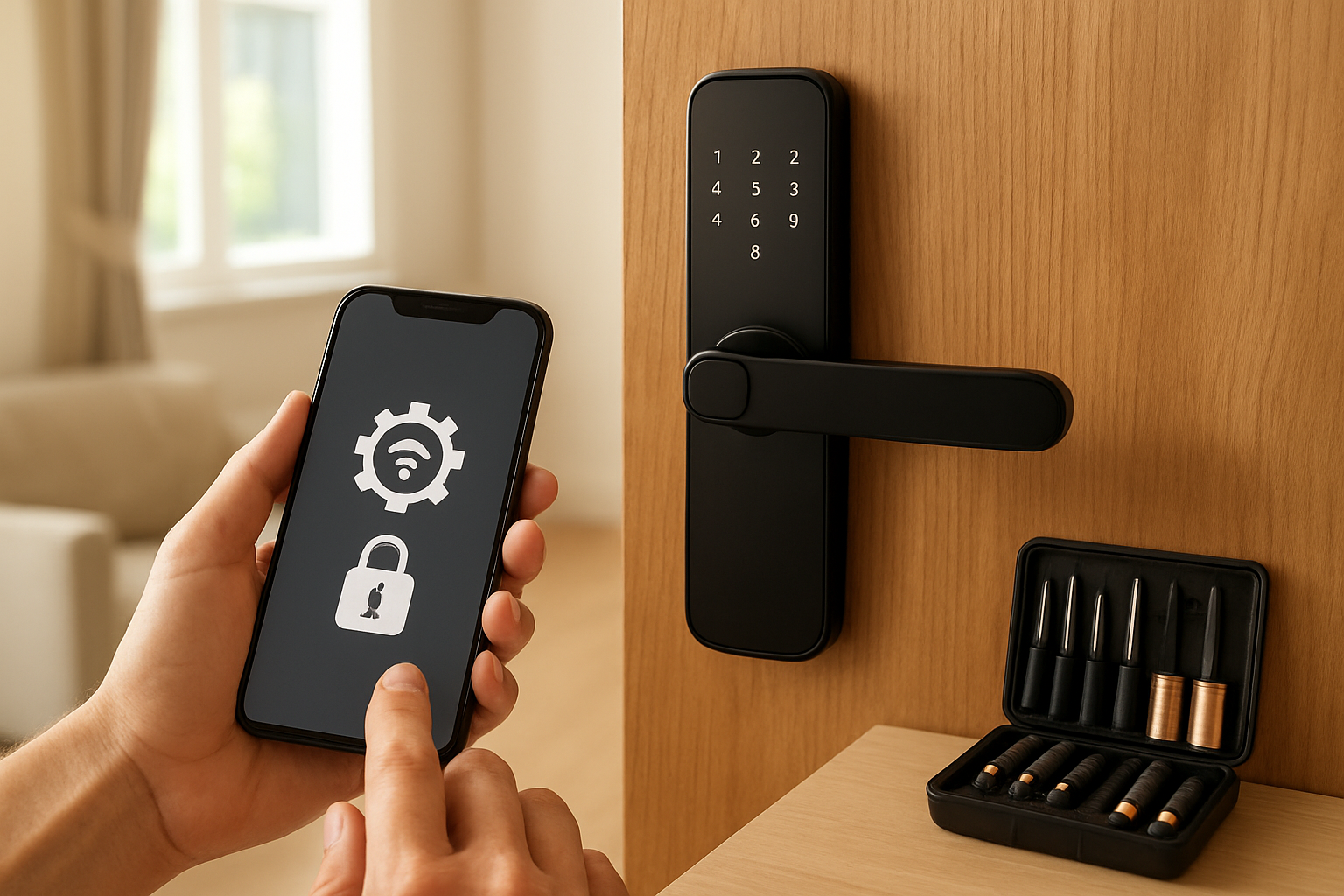
WiFi door locks can experience connectivity hiccups that leave you scrambling to help guests gain access. The most common culprit is network interference from other devices or weak signal strength at your door location. Start by checking if your lock is within range of your router – most smart locks need a strong, consistent signal to function properly.
When connection issues arise, try these quick fixes:
- Power cycle your router – Unplug it for 30 seconds, then restart
- Check for WiFi network changes – Password updates or network name changes require reconfiguring the lock
- Update lock firmware – Outdated software often causes connectivity problems
- Reset the lock’s WiFi settings – Most models have a reset button or sequence
For persistent issues, move your router closer to the door or install a WiFi extender. Guest complaints about lock responsiveness usually stem from poor signal strength rather than device malfunction.
Battery Replacement and Maintenance Schedules
Smart locks drain batteries faster than traditional locks due to constant WiFi communication and sensor activity. Most models last 6-12 months on a single set of batteries, but heavy usage can reduce this timeframe significantly.
Set up proactive maintenance by:
| Maintenance Task | Frequency | Key Actions |
|---|---|---|
| Battery check | Monthly | Monitor app notifications for low battery warnings |
| Battery replacement | 6-8 months | Use high-quality alkaline or lithium batteries |
| Physical cleaning | Quarterly | Wipe down sensors and keypad with dry cloth |
| Firmware updates | As available | Enable automatic updates when possible |
Keep spare batteries on-site and consider investing in locks with backup power options. Many models offer emergency jump-start capabilities using a 9V battery when the main power source dies unexpectedly.
Guest Support for Lock Operation Difficulties
Guests often struggle with smart lock interfaces, especially when they’re unfamiliar with the technology. Create a simple instruction card with step-by-step photos showing how to use your specific lock model. Include troubleshooting steps for common guest issues like unresponsive touchscreens or failed fingerprint scans.
Common guest problems and solutions:
- Code not working – Verify correct entry sequence and check for number pad sensitivity
- App connectivity issues – Provide backup access methods like physical keys or secondary codes
- Fingerprint rejection – Clean the sensor and remind guests to use firm, centered finger placement
- Bluetooth pairing problems – Guide guests through phone settings and proximity requirements
Keep a 24/7 support contact available and consider installing locks with multiple access methods. Physical backup keys eliminate the stress of technology failures during guest arrivals, especially late at night when immediate support isn’t available.
Native by Urban Company Lock Pro Smart Door Lock with in-Built HD Camera & Home Doorbell Connect
Advanced Security Features
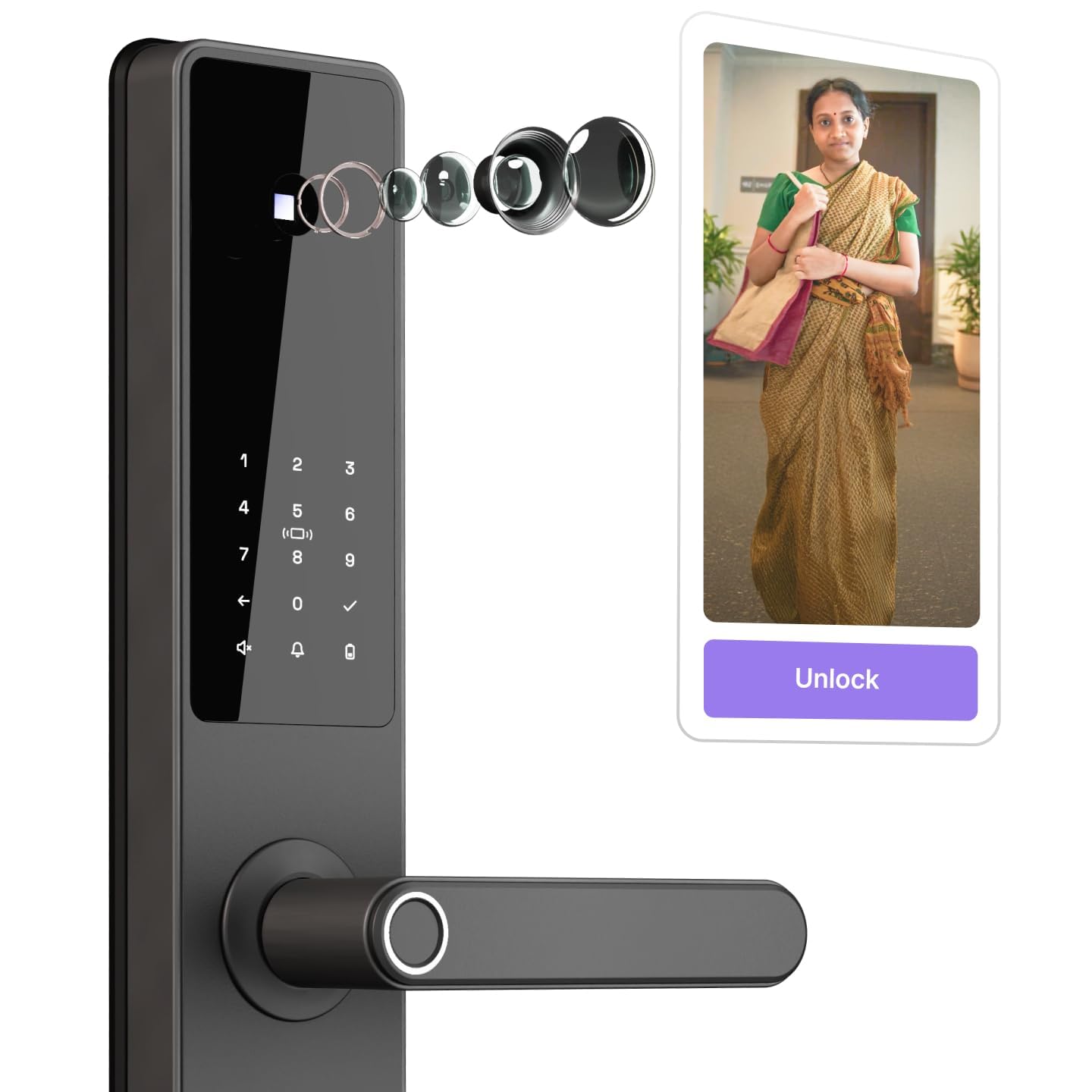
The Native by Urban Company Lock Pro stands out with its built-in HD camera that captures crystal-clear footage of everyone who approaches your rental property. This camera records both day and night activities, giving property owners complete visibility over who’s accessing their units. The smart doorbell function sends instant notifications to your smartphone whenever someone rings, allowing you to communicate with guests or service providers remotely through the integrated intercom system.
The lock combines multiple access methods including fingerprint recognition, PIN codes, RFID cards, and smartphone app control. Property managers can create temporary access codes for guests that automatically expire after their stay, eliminating the hassle of key exchanges and ensuring previous guests can’t return unexpectedly.
Property Management Benefits
Managing multiple rental units becomes incredibly streamlined with the Native Lock Pro’s centralized app control. You can monitor access logs, see who entered and when, and receive real-time alerts about any unusual activity. The system allows you to grant access to cleaning crews, maintenance workers, and new guests without being physically present at the property.
The HD camera footage can be stored locally or in cloud storage, providing valuable evidence if any disputes arise with guests or if security incidents occur. This documentation proves invaluable for insurance claims and helps maintain accountability among renters.
Installation and Compatibility
The lock fits most standard door sizes and can be installed on wooden, metal, and composite doors commonly found in rental properties. The installation process typically takes 2-3 hours and includes all necessary mounting hardware. The device connects to your existing WiFi network and maintains a backup Bluetooth connection for added reliability.
Battery life extends up to 12 months with normal usage, and the system sends low-battery warnings well in advance. The lock includes a backup power option through a portable power bank connection, ensuring guests are never locked out during power outages.
Mygate Smart Door Lock Plus (2026 Model) with 6-Way Unlock | Fingerprint, PIN, Mobile App, RFID Card, Manual Keys | Remote Unlocking via OTP | for Main Wooden Doors
Advanced Multi-Modal Access System
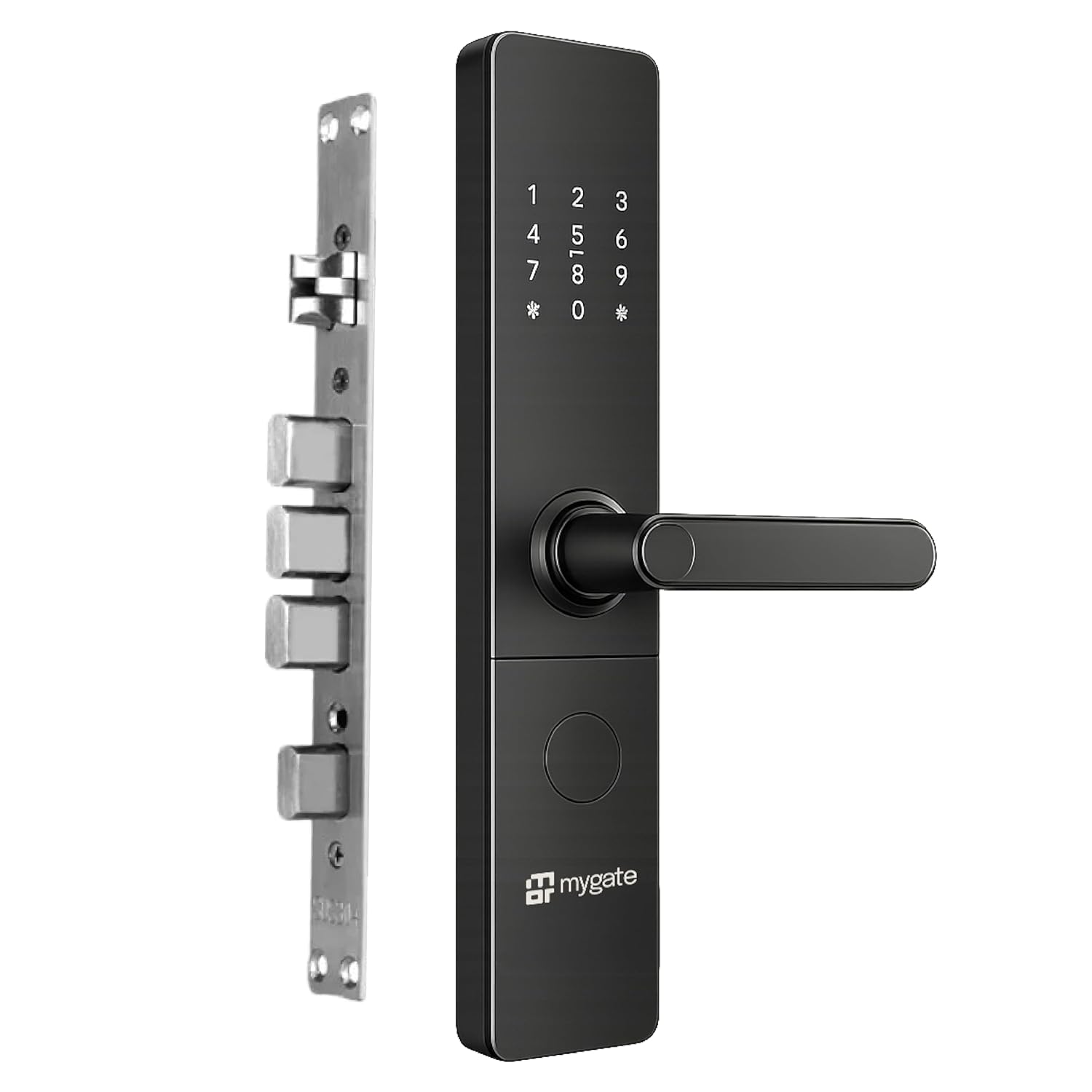
The Mygate Smart Door Lock Plus stands out with its comprehensive 6-way unlocking system, making it exceptionally versatile for rental property owners who need flexible access solutions. The fingerprint scanner handles up to 200 unique fingerprints, allowing property managers to register different tenants, maintenance staff, and authorized personnel without worrying about capacity limits. The mobile app integration works seamlessly with both Android and iOS devices, enabling remote management from anywhere in the world.
The RFID card functionality adds another layer of convenience, particularly useful for temporary guests who might struggle with smartphone apps. Each card can be programmed with specific time restrictions and access permissions, giving landlords granular control over property access. The traditional PIN code system serves as a reliable backup, while manual keys provide the ultimate failsafe option during power outages or technical issues.
Remote OTP Technology for Guest Management
The remote OTP (One-Time Password) feature revolutionizes how rental properties handle guest access. Property managers can generate temporary access codes for cleaning services, maintenance workers, or new tenants without physically being present at the property. These codes expire automatically after the designated time period, eliminating security risks from forgotten or shared access credentials.
The OTP system integrates with the Mygate mobile platform, sending real-time notifications whenever codes are generated or used. This creates a comprehensive audit trail that helps property owners track who accessed the property and when, which proves invaluable for security monitoring and liability protection.
Wooden Door Compatibility and Installation
Specifically engineered for main wooden doors, this lock accommodates door thicknesses ranging from 35mm to 110mm, covering most residential door specifications. The installation process requires minimal modifications to existing door structures, making it ideal for rental properties where extensive renovations aren’t feasible.
The lock includes adjustable mounting plates and comprehensive hardware packages designed to work with various wooden door styles, from solid timber to engineered wood composites. The battery-powered operation means no complex wiring is required, significantly reducing installation time and costs for property managers handling multiple units.
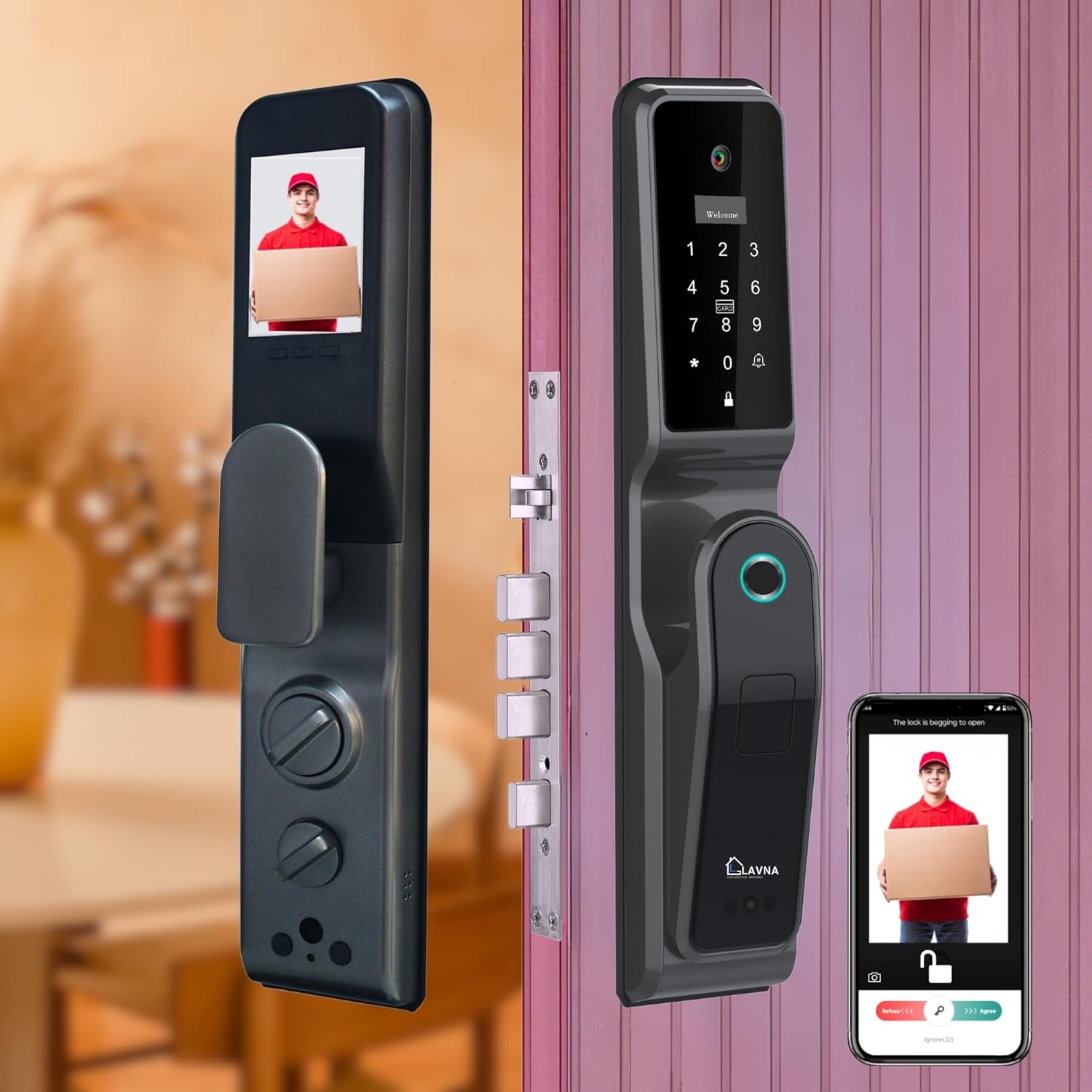
LAVNA 8 Way Premium Smart Door Lock with Camera N Face, Fingerprint, Mobile App, WiFi + Bluetooth, RFID Card, OTP, PIN and Manual Key | 5-Bolt Security
Comprehensive Access Control Features
The LAVNA 8 Way Premium Smart Door Lock stands out with its impressive array of eight different access methods, making it exceptionally versatile for rental property management. Property owners can grant access through facial recognition technology, fingerprint scanning, mobile app control, RFID cards, one-time passwords (OTP), PIN codes, and traditional manual keys. This variety ensures that guests always have multiple backup options if one method fails, reducing lockout situations that could lead to frustrated tenants and emergency service calls.
The integrated camera adds a security layer that many rental property owners find invaluable. This feature allows real-time monitoring of who’s accessing the property, creating a digital record of entry attempts. For rental properties, this documentation can be crucial for security audits and insurance purposes.
Advanced Security Technology
The 5-bolt security mechanism provides robust physical protection that goes beyond standard single-bolt systems. This multi-point locking system distributes force across multiple contact points, making forced entry significantly more difficult. The combination of WiFi and Bluetooth connectivity ensures reliable communication even if one network experiences issues.
Facial recognition technology represents a cutting-edge approach to access control, eliminating the need for physical keys or cards that guests might lose. The system learns and stores facial data securely, allowing authorized users quick and contactless entry while maintaining detailed access logs.
Rental Property Management Benefits
Property managers benefit from the OTP functionality, which generates temporary access codes for specific time periods. This feature works perfectly for short-term rentals, allowing owners to provide unique codes for each guest’s stay without physical key exchanges. The mobile app integration means property managers can grant or revoke access remotely, update access permissions, and monitor entry activity from anywhere.
The multiple backup options reduce maintenance calls and improve guest satisfaction. When guests have eight different ways to enter the property, the likelihood of lockouts drops dramatically, creating a smoother rental experience for everyone involved.
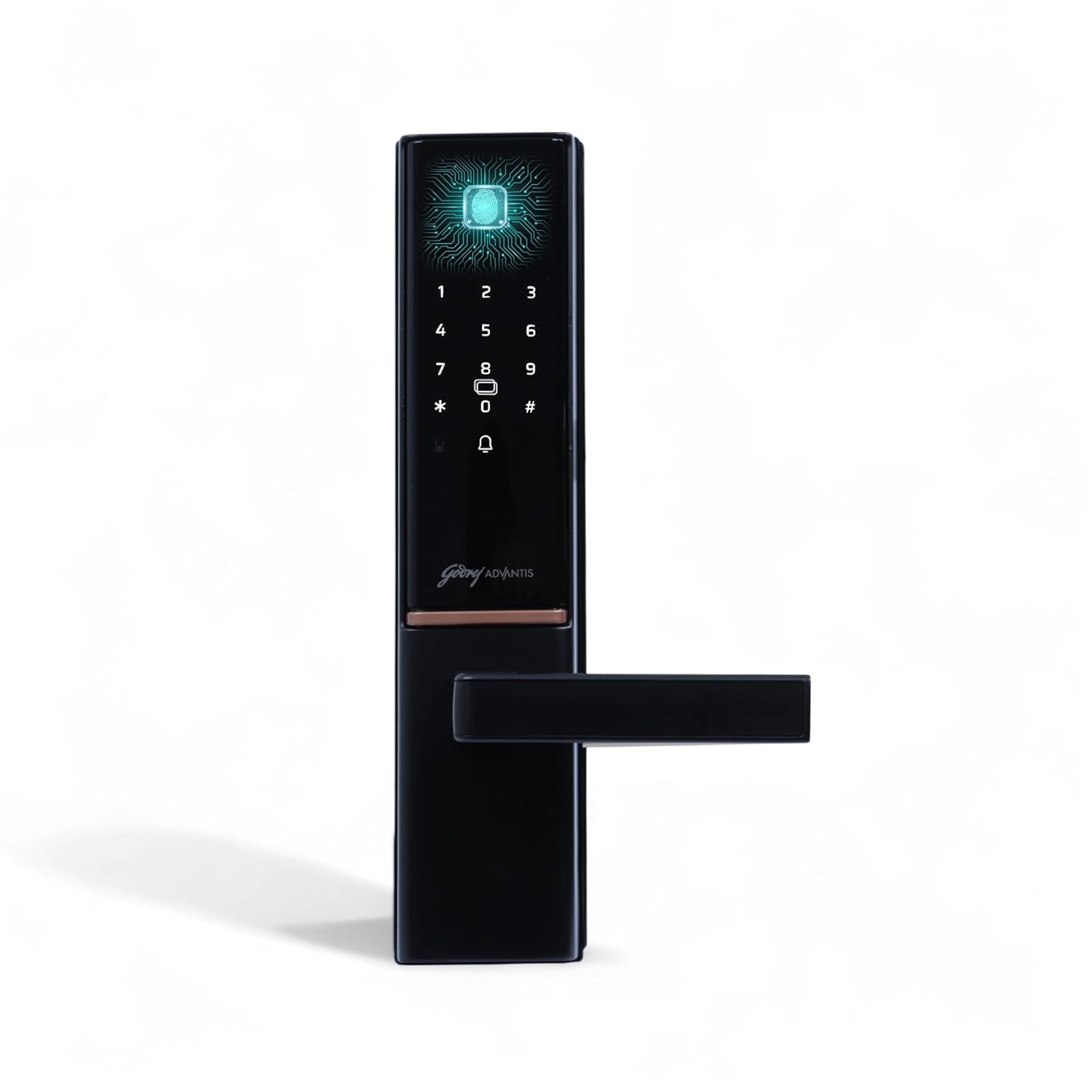
Godrej Smart Lock | The Only 7 in 1 NFC Digital Lock with Scheduled Bio-metric Access
Advanced Security Features
Godrej’s smart lock stands out with its comprehensive 7-in-1 access system that brings together multiple authentication methods in a single device. The NFC technology allows property owners to grant access through smartphones, making it incredibly convenient for rental property management. Guests can simply tap their NFC-enabled phone to unlock the door, eliminating the need for physical key exchanges.
The scheduled biometric access feature sets this lock apart from standard smart locks. Property managers can program fingerprint access for specific time periods, perfect for cleaning staff, maintenance workers, or short-term rental guests. This temporal control ensures that access automatically expires without manual intervention, reducing security risks.
The lock supports PIN codes, RFID cards, smartphone app control, and traditional keys as backup options. This redundancy means guests always have multiple ways to enter, reducing lockout situations that can frustrate renters and create emergency calls for property managers.
Rental Property Management Benefits
Managing multiple rental units becomes significantly easier with Godrej’s centralized app control. Property owners can monitor all door activities, receive real-time notifications when guests arrive or leave, and generate access reports for security purposes. The lock maintains detailed logs of all entry attempts, providing valuable data for property security analysis.
The battery backup system ensures reliable operation even during power outages, while the tamper alerts notify property managers immediately if someone attempts to force entry. These features create peace of mind for both property owners and tenants.
Installation and Compatibility
The lock fits standard door preparations and works with most wooden doors commonly found in rental properties. Professional installation ensures optimal performance, though the system includes detailed setup guides for tech-savvy property managers who prefer DIY installation.
Key Benefits of WiFi Door Locks for Rental Properties
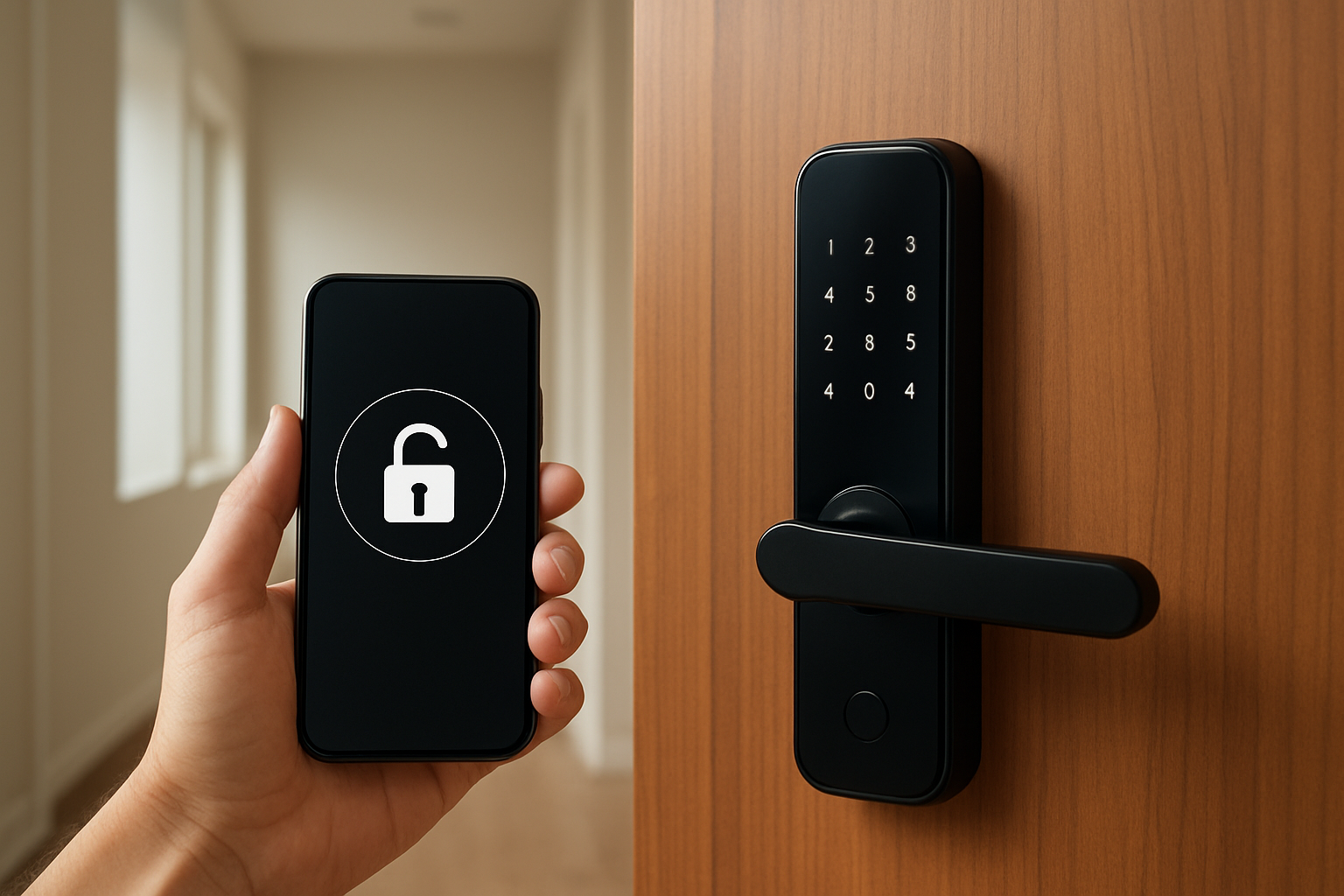
Eliminate Key Exchange Hassles with Remote Access Management
Managing physical keys for rental properties creates a logistical nightmare that every property owner knows all too well. WiFi door locks completely eliminate the need for in-person key handoffs, lost key replacements, and the anxiety of wondering whether guests actually returned all copies. Property managers can grant access remotely from anywhere in the world, making check-ins seamless even when they’re unavailable.
Remote access management transforms the entire rental experience. Guests receive their access credentials via email or text message, allowing them to arrive at their convenience without coordinating schedules with property managers. This flexibility proves especially valuable for late-night arrivals or early morning departures when traditional key exchanges would be impractical.
The system also provides complete control over access timing. Property managers can activate guest access exactly when the rental period begins and automatically deactivate it when the stay ends, preventing unauthorized extensions or return visits.
Generate Unique Access Codes for Each Guest Stay
WiFi smart locks create individualized access codes for every booking, ensuring maximum security and accountability. Unlike traditional keys that might be duplicated or shared, unique digital codes remain tied to specific guests and rental periods. Property managers can generate these codes instantly through smartphone apps, eliminating any delay between booking confirmation and access preparation.
Each code can be customized with specific parameters, including validity periods, usage limits, and access restrictions to certain areas. Some advanced systems even allow different code types – temporary codes for guests, permanent codes for cleaning staff, and master codes for property managers.
The uniqueness of each code means that even if a previous guest somehow retains their access information, it won’t work for future visits. This rotating code system provides far superior security compared to traditional lock and key methods where rekeying becomes necessary after security concerns.
Monitor Property Entry and Exit in Real-Time
Real-time monitoring capabilities give property owners unprecedented visibility into their rental properties. WiFi door locks send instant notifications whenever someone enters or exits, complete with timestamps and user identification. This information proves invaluable for security purposes and helps verify that guests are following check-in and check-out procedures.
The monitoring data creates detailed logs that can be reviewed later for security audits or dispute resolution. Property managers can track patterns in guest behavior, identify unusual access attempts, and respond quickly to potential security breaches. Many systems also integrate with smartphone apps that display live activity feeds.
Beyond security, this monitoring helps with property management logistics. Owners can confirm when cleaning crews arrive and depart, verify maintenance worker access times, and ensure that properties remain secure between bookings. Some systems even provide analytics on usage patterns that can inform business decisions.
Reduce Lockout Incidents and Emergency Service Calls
Traditional rental properties frequently generate expensive emergency locksmith calls when guests lose keys or accidentally lock themselves out. WiFi door locks dramatically reduce these incidents by providing multiple access methods and backup options. Most systems offer alternative entry methods like smartphone apps, backup codes, or even remote unlocking assistance from property managers.
When lockouts do occur, resolution becomes much simpler and cost-effective. Property managers can generate new access codes remotely or temporarily unlock doors through their smartphone apps, eliminating the need for expensive emergency service calls or after-hours key deliveries.
The financial impact extends beyond immediate locksmith costs. Reduced emergency calls mean fewer disrupted guest experiences, better reviews, and lower operational stress for property managers. Many WiFi lock systems also include battery backup features and low-battery alerts, preventing lockouts caused by power failures or dead batteries.
This reliability improvement directly translates to better guest satisfaction scores and reduced operational costs, making WiFi door locks a smart investment for any rental property business focused on long-term profitability and guest experience.
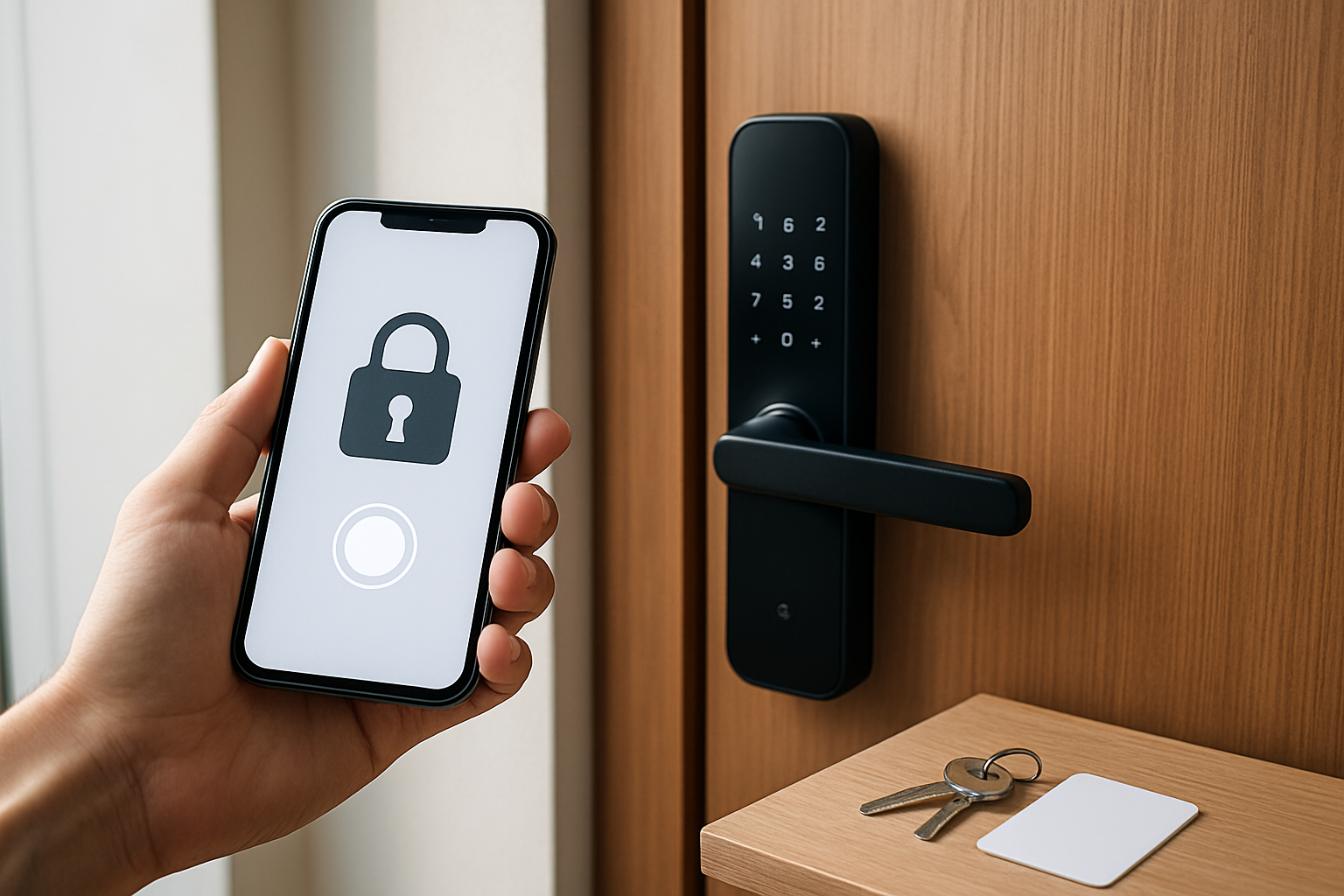
WiFi door locks have transformed rental property management by offering seamless guest check-ins, remote access control, and enhanced security features. From keyless entry systems to advanced models with built-in cameras and biometric authentication, these smart locks eliminate the hassle of physical key exchanges while providing property owners complete control over access permissions. The ability to generate temporary codes, monitor entry logs, and manage multiple properties from a single app makes these devices essential tools for modern landlords and property managers.
When choosing the right WiFi smart lock for your rental, focus on reliability, battery life, and multiple unlock methods to ensure guests never get locked out. Models like the Godrej Smart Lock with NFC technology, Native by Urban Company’s camera-enabled system, and LAVNA’s comprehensive 8-way unlock system offer different advantages depending on your specific needs and budget. Start by installing one lock on a test property to familiarize yourself with the technology, then gradually expand your smart lock network as you become more comfortable with the system – your guests and your bottom line will thank you.